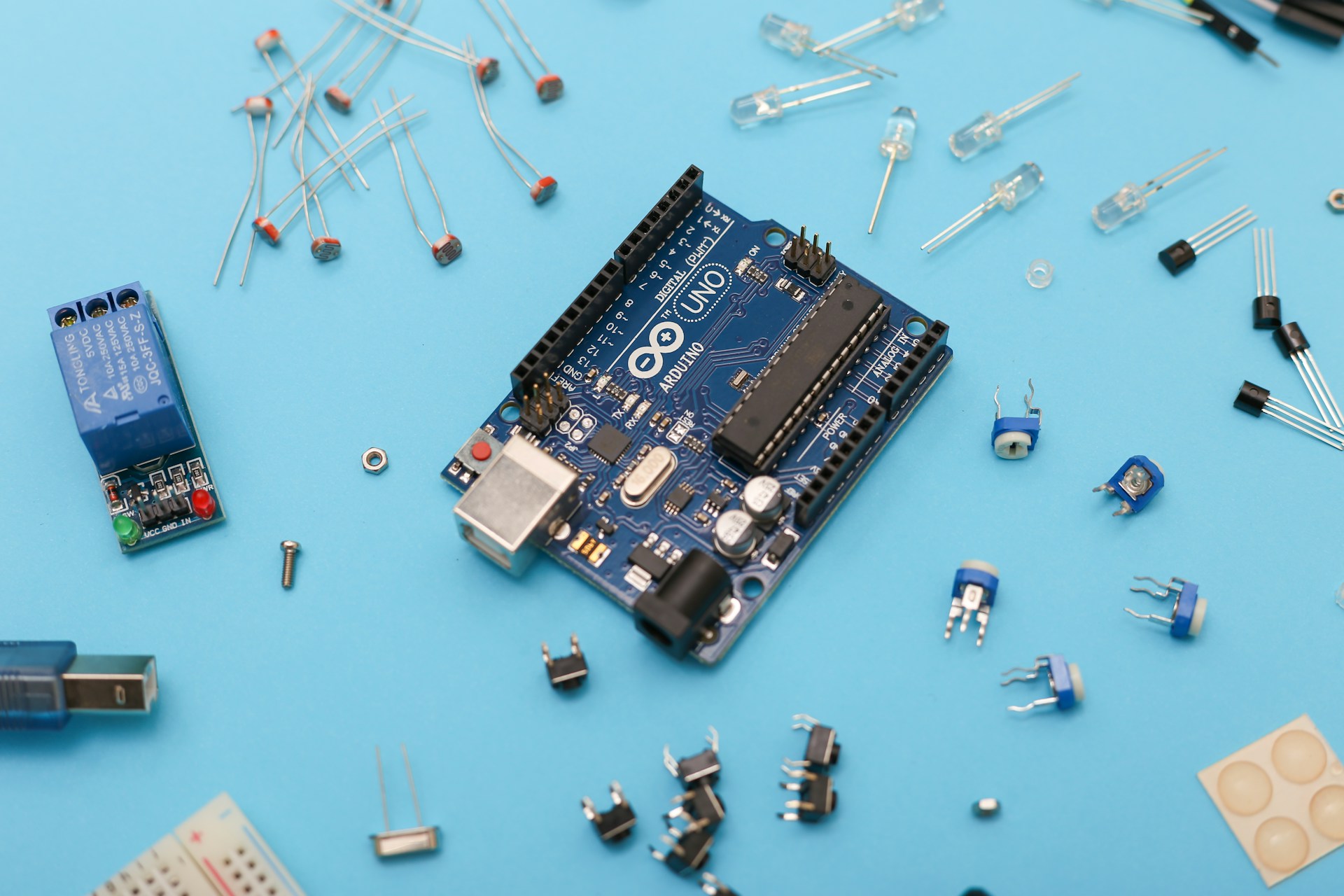
There is a line that most software developers never actually cross. It sits right between the terminal and the physical world, tucked between the files you can edit and the things you cannot. On one side, you have your code. On the other side, you have actual electrons moving through metal.
Most developers spend their entire careers on the safe side of that line. They do perfectly fine there too. However, the ones who decide to cross it usually come back with a completely different perspective on how computers actually function.
Your Code is Just a Script for Electrons
Here is an uncomfortable truth that electronics will teach you: code does not actually run. Electricity does.
Your program might be elegant and perfectly architected, but at the end of the day, it is just a sequence of instructions that move voltage levels across silicon gates. A 1 is not just an abstract concept. It is a specific threshold of electrical potential. An if statement is not logic in a vacuum. It is charge being routed through transistors so small that they are measured in atoms.
Most developers never need to know this until the abstraction breaks. Suddenly, you are staring at a bug that makes zero sense. Maybe it is a race condition that only happens on specific hardware or a timing issue that no amount of code review can fix. These bugs do not live in your program. They live in the messy boundary between your code and the physical world.
The developer who has used a multimeter or traced a short circuit has an instinct that others lack. They understand that the machine is not magic. They know it can lie to you in very physical ways.
The Magic Trick of Abstraction
Modern software development is an incredible stack of layers. You write in a high level language. That language runs on a runtime. The runtime talks to an Operating System. The OS talks to drivers. The drivers talk to hardware. The hardware is made of circuits, and those circuits are paths for electrons.
Each layer hides the one beneath it. This is a massive gift because it allows a single person to build things that would have required a massive team fifty years ago. You do not need to understand memory addressing to build a web app. You do not need to know about interrupt handling to write an API.
But this abstraction also creates a specific kind of blindness. When the layer beneath you starts acting up, you have nowhere to look. You can only stare at your own code and wonder why the universe is broken. Electronics is the practice of pulling back that curtain on purpose. You choose to understand the foundation because you might need that knowledge at the worst possible moment.
Lessons From the Breadboard
When you wire up your first circuit with a simple LED, a resistor, and a battery, you have to face a reality that software rarely shows you: consequences are immediate and physical.
Getty Images
If you wire it incorrectly, the light simply stays off. There is no stack trace to read. There are no error messages or log files to check. The universe just refuses to cooperate. You have to use first principles to figure out why.
This teaches a level of debugging patience that no coding bootcamp can match. You learn to form a hypothesis, test it, and isolate variables. You have to accept that the problem is almost never where you first thought it was. While this is how we debug software too, the feedback loop in electronics is so direct and unforgiving that the lesson sticks.
Hardware is also incredibly humbling. Code is easy to change. You can refactor it or hit undo whenever you want. A poorly done solder joint is just a poorly done solder joint. Hardware teaches you that some decisions have actual weight. It encourages you to think before you act rather than just clicking and iterating forever.
When Code Meets Physical Reality
If you have ever written firmware, you have felt that strange sensation of code directly controlling the world. A variable does not just store a number. It determines if a motor spins or if a sensor takes a reading.
This experience changes how you view software. You realize that every program you have ever written has always been talking to hardware. You just had enough layers of abstraction in the way that you never felt the conversation happening.
Understanding electronics closes that gap. It turns you into a developer who sees memory as a physical constraint rather than an infinite resource. You start to see timing as a physical reality instead of just a performance metric. Most importantly, you start to see failure as the default state of matter rather than just an edge case.
Becoming a More Honest Developer
There is an old engineering saying about knowing the limits of your tools.
Developers who do not understand electronics often treat the machine as if it is infinitely reliable and fast. They see it as pure logic that exists outside of physics. This is why they are so surprised when hardware fails or when latency becomes a physical problem.
The “honest” developer carries a more accurate model of the world. They know the machine is a physical object. It is subject to heat, interference, voltage drops, and simple wear and tear. They design their systems differently because of this. They are more defensive and more humble because they respect the reality that their code lives in.
The circuit was always there underneath your code. Most people just never bother to look. Those who do look will never think about software the same way again.